Showing posts with label Remove Ads still showing up on Adblock. Show all posts

Adblock Plus Showing Ads Fastest Fix

Reference: [Adblock Plus on Firefox 100.0 - Windows 7]. So today I go on to YouTube and I'm surprised to see that Ads are showing up! Not only in the videos themselves, but also in the sidebar (I use a desktop PC). I can't have this. If I have to sit and watch Ads, on any site, I will literally never visit the site again if there is no way to remove them.
 

Adblock_Plus_Still_Showing_Ads_Fastest_Fix_2022

That's how much I hate Advertisements. Don't get me wrong, One or two that just sit in the sidebar or below content I can live with. I know sites need to earn revenue. But in-video advertisements, pop ups and pop-unders are just not acceptable to me.

Ads are not just showing up on Youtube either. I'm seeing ads in Google Search, Reddit, and even Bitchute. Some people were saying that Youtube had changed something and that's why they are seeing Ads. But like I said, for me they are / were on other sites too, so its obvious that Adblock Plus is broken. It's not blocking anything anymore.


So, what's the fix

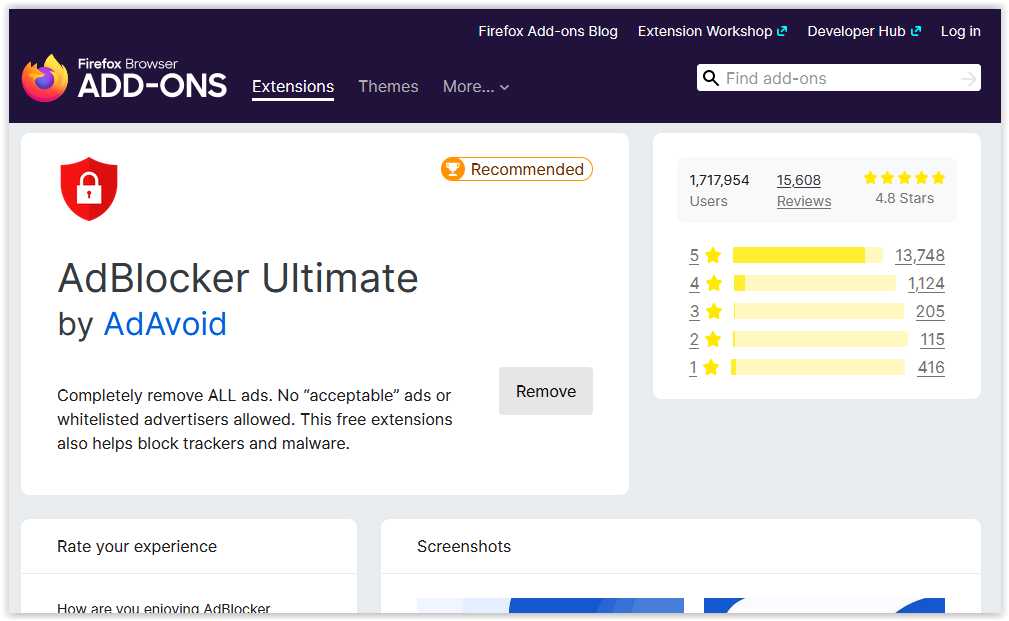
This is the fastest fix ever. Are you ready. First off, uninstall Adblock Plus. Then go and install AdBlocker Ultimate. You can find it here for Firefox - and here for Chrome [its free]. Ads are now totally gone. If you are a dedicated Plus user and want to use it again in the future, you should be able to. Just give them a bit of time to find and fix the problems. In the meantime use Ultimate. Until the next time amigo.


Make Adblock Filter Out ALL Adverts

Ads still showing up on Adblock? Company's that use online advertising are working overtime trying to find ways around Adblock. A lot of them are really worried because of the huge rise in people using ad blocking software like Adblock. Sadly, Adblock did do a deal with a major online advertising outlet which I won't name but chances are you are using something of theirs right now!. Most probably their search engine.. There were others too, lots of others. Shopping websites, email services, domain company's, and quite a few more major players in the online world that wanted adding to this whitelist. The list is getting longer and longer..

Some people seen this as Adblock selling out. And in a way they did. But not fully. The deal was to have certain ads added to Adblocks whitelist so they will still show up but can be disabled. This feature is enabled (ticked) by default when you install Adblock (still free to download and use) and requires the user to untick the box in order for these "Whitelisted" ads to not show up when you are browse certain pages / websites on the Internet. I hate Ads!. And I don't want to see any at all. I don't care how non-intrusive Adblock say there are.

So how do you disable this Whitelist and remove the Ads?


Click the ABP icon on your browser. It will show a drop down list of options. Select "Filter Preferences". Untick the "Allow some non-intrusive advertising" box at the bottom. See the picture below.

Make sure its unticked


And that's it, now none of these ads will show up. But do remember to update the two higher lists in the picture above - Adblock Warning Removal List and EasyList just to make sure you are fully up to date. Also, make sure those two lists are to your satisfaction in terms of having the ad networks that you don't want to show any ads being clicked (checked) etc. Still seeing some ads? Check your exceptions list.

If you have time and want to see the full "Allow some non-intrusive advertising" list just click - View List - to the right and see the full extent of advertisers that are whitelisted if you don't untick the box. I wonder how much they paid Adblock for inclusion on to the list.. Must have been a tidy sum.


Popular Posts